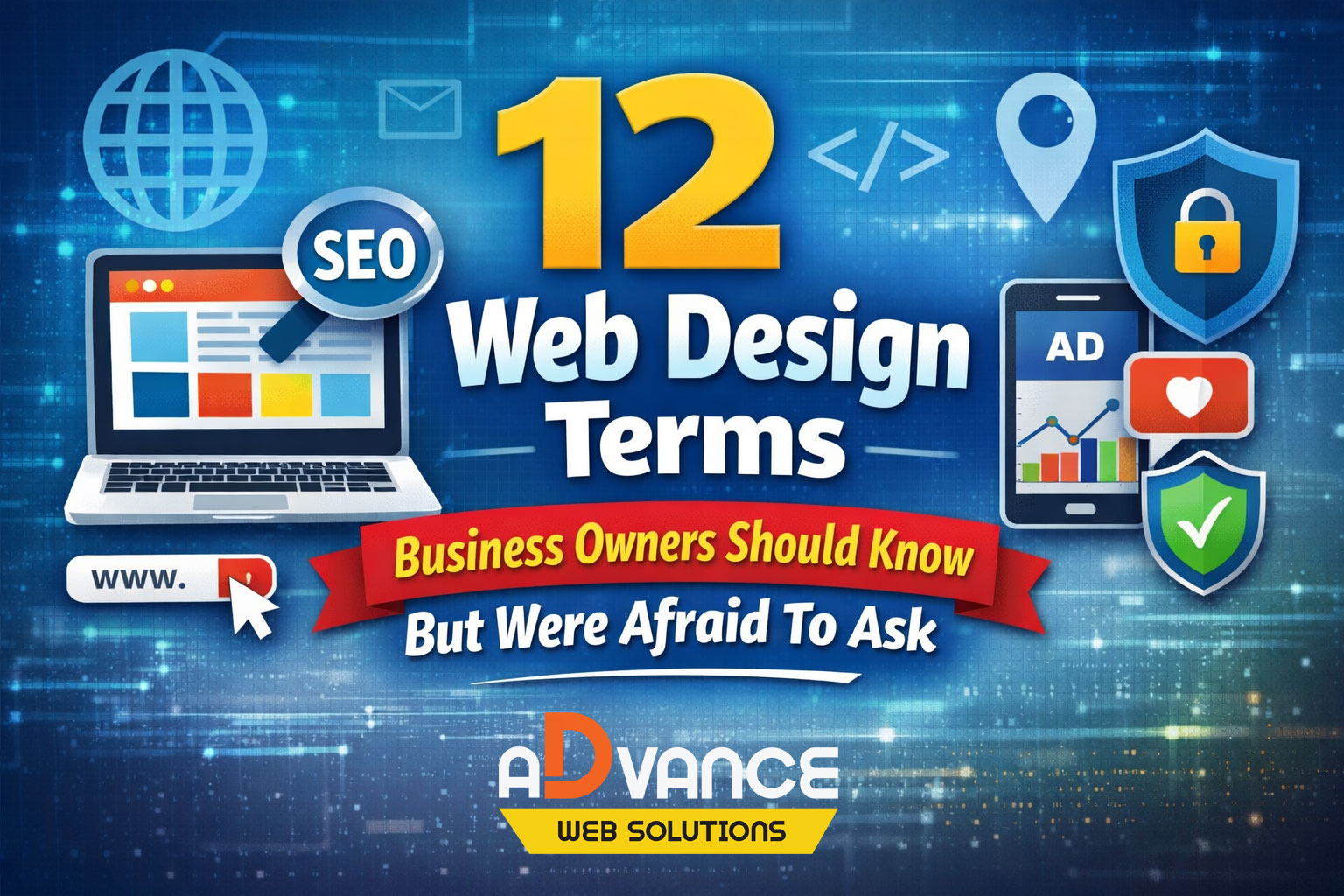
When meeting new web design clients for the first time, it’s always interesting to see who knows more about web technology than you’d expect — and who knows absolutely nothing. Many people quickly self-identify as “non-technical,” and that’s completely understandable.
Unless you already have a website or have worked closely with one, why would you know much about web design? It’s like going to a mechanic and being expected to understand how every part of a car works when you have no familiarity with engines.
That said, many business owners feel awkward or sheepish admitting they don’t understand certain basic web terms. Part of a good web designer’s job is to help bridge that gap. With that in mind, here are some of the most common web design terms people often don’t understand — and are sometimes afraid to ask about.
Domain Name
In simple terms, your domain name is the name you purchase (and renew yearly) for your website. It’s what you type into a browser to visit a site, such as advancewebsolutions.ca.
Behind the scenes, a domain name translates a numerical IP address into readable words that are much easier for people to remember and use. Your domain then points visitors to your web hosting, where your website files actually live.
IP Address
IP stands for Internet Protocol. An IP address is essentially a unique digital street address for a device connected to the internet — whether that’s your phone, computer, smart TV, or a web server.
In web design terms, an IP address might refer to your home device, someone else’s device, or the physical location of your web hosting server. It’s how data knows where to go and how to get back to you.
Web Hosting
If your domain name is your digital address, web hosting is the land your house sits on.
Web hosting is where your website files, images, and data are stored so the internet can access them. Hosting plans usually come with storage and bandwidth limits and are billed monthly or yearly. Many hosting plans also include professional email accounts, where the hosting server acts as storage for your emails.
SSL Certificate
An SSL certificate is what gives your website the secure padlock icon in the browser.
It encrypts data and protects your site from tampering, hacking, or leaking sensitive information — especially important for forms, logins, and credit card transactions. While SSL certificates were once optional, they’re now mandatory for most browsers. Sites without them often trigger “Not Secure” warnings or error pages.
SSLs often come bundled with hosting, though higher-level certificates can be purchased for added security.
SEO (Search Engine Optimization)
Most business owners have heard they “need SEO,” but many aren’t entirely sure what it means.
SEO is the process of optimizing your website so it ranks better in search engines like Google and Bing. This includes on-page techniques (site structure, content, keywords) and off-page strategies (link building, content creation, social media activity, and more).
Because SEO is an ongoing effort, it’s often offered as a monthly service and can be costly — which is why it isn’t always feasible for every business.
SEM (Search Engine Marketing)
SEM stands for Search Engine Marketing and is often confused with SEO.
While SEO focuses on improving organic rankings, SEM is broader and may include paid strategies such as ads, display campaigns, or other digital marketing efforts. The goal is still visibility and traffic, but the methods extend beyond pure search rankings.
Social Media
Social media can be a tricky term to define, especially for those who didn’t grow up with it.
Platforms like Facebook, X, YouTube, LinkedIn, Instagram, TikTok, and Pinterest all fall under the social media umbrella. At its core, social media refers to internet-based platforms designed to share content — whether that’s photos, videos, or updates about what you’re doing. The sheer number of platforms is what often makes the concept confusing.
Pay-Per-Click (PPC) Advertising
Pay-per-click advertising is a model where you only pay when someone clicks on your ad.
These ads can appear on platforms like Google, Facebook, YouTube, TikTok, and more. They may direct users to your website, a landing page, or even a social media profile. You set a monthly budget, and costs vary depending on the platform — Google Ads are typically more expensive, while Facebook ads are often cheaper.
Lower budgets can still work, but limited spending usually means limited reach and results.
Google Business Profile
A Google Business Profile helps your business appear in local search results and Google Maps.
It displays your business name, hours, reviews, and contact information. Google also verifies your business to confirm legitimacy, which helps prevent fraud. Businesses with verified profiles are generally considered more trustworthy and are more likely to appear in local “map pack” results.
CTA (Call to Action)
CTA stands for Call to Action — and it’s more than just “Call Now.”
A CTA tells visitors exactly what you want them to do next, whether that’s booking an appointment, requesting a quote, or scheduling a free consultation. Strong CTAs create urgency and clarity, such as “Call today for a free, no-obligation quote.” Websites and ads typically perform better when the next step is obvious.
CMS (Content Management System)
A CMS is the system used to manage and update your website.
Popular CMS platforms include WordPress, Wix, Squarespace, and Weebly. A CMS allows you to update content without building everything from scratch or relying on a developer for every small change — an important feature for business owners who want flexibility and control.
Header & Footer
The header is the top portion of a website, while the footer is the bottom.
The header often contains your logo, navigation, and a main banner or “hero” image designed to grab attention. The footer typically includes contact details, links, and other essential but less exciting information. While this seems obvious to some, it’s surprisingly confusing to many non-technical users.
Final Thoughts
If the world of web design and online marketing feels intimidating, don’t worry — you’re not alone. Some business owners choose to navigate these waters themselves, while others prefer professional guidance.
If you’re looking for an experienced web design agency to help make sense of it all and move your business forward, feel free to reach out. There are no dumb questions — educating yourself is always a smart first step.